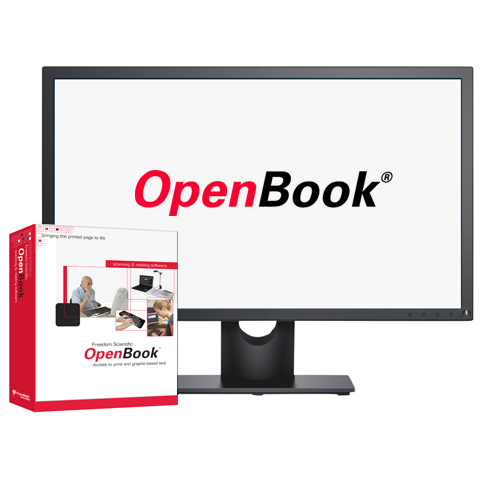
OpenBook®
This scanning and reading system instantly converts printed materials to speech or large print output on your computer. OpenBook gives you access to what you need to read, whether it’s a book, classroom assignment, bill, or PDF document.
OpenBook® Solutions
Scanning and Reading Software
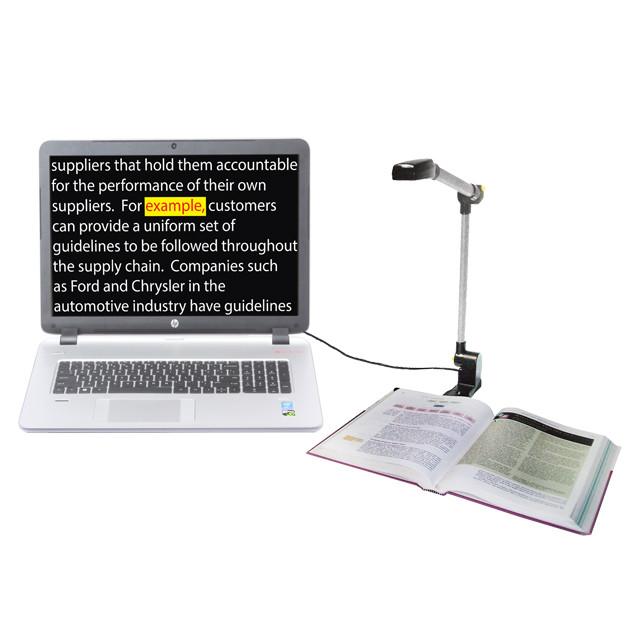
OpenBook converts printed documents or graphic-based text into an electronic text format on your PC, using high-quality speech and the latest optical character recognition (OCR) technology. OpenBook is innovative software designed to enhance success for people who are blind or have low vision who need access to printed and electronic materials. OpenBook and the PEARL document camera create a complete scanning and reading system for work, home, and school.
Features
- Support for Windows® 11, 10, and 8.1
- Convert printed text to natural, human-like speech in many languages
- Powerful optical character recognition provides editable text
- Scan bound books and maintain pagination
- Powerful low vision features tailor the appearance of text on the screen, including font style, size, character spacing, and colors
- Lightning-fast OCR with the PEARL document camera
- Automatic page capture for efficient document acquisition
- Versatile document navigation and management tools maximize your productivity
Business and Classroom Features
- Enhanced ability to search for and download books and other materials from the Internet
- Full support for listening to DAISY and other audio files
- Add comments and highlighting for increased productivity
- Emboss Braille documents directly from OpenBook
- Export to other applications like Microsoft® Word®
- Common key commands with JAWS® and MAGic®
- Built-in photocopy functionality
OpenBook System Requirements
| Specification | Minimum Requirement |
|---|---|
| Operating System | All 32 and 64-bit versions of Windows® 11, Windows® 10, Windows 8, Windows 7, and Windows Server® 2008 |
| Processor speed | 500 MHz Intel® Pentium® or faster |
| Memory (RAM) | 8 GB |
| Required hard disk space | 1.2 GB (on the drive containing the Program Files and Windows folders) |
| Video | 256 color graphics |
| Sound | Windows compatible sound card |
| Keyboard | 104 key keyboard |
| Acquisition device | A TWAIN or WIA-compatible flatbed scanner or a Freedom Scientific camera |
OpenBook
What’s New in OpenBook 9 OpenBook User Manual (TEXT) OpenBook User Manual (PDF) OpenBook Quick Start Guide (TEXT) OpenBook Quick Start Guide (PDF) Supported Scanners for OpenBook
 Pearl®
 JAWS®
JAWS®